KB Article #5479
Existing diary exclusions can be edited or deleted from the diary.
- Click Diary from the Workshop menu option.

- Use the navigation arrows at the top to navigate to the desired week.
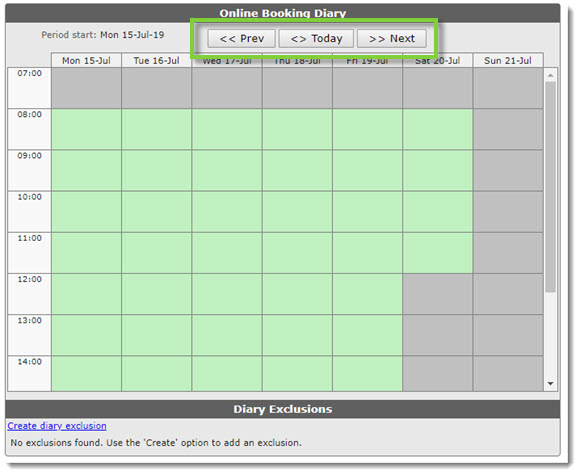
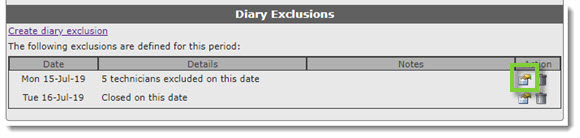
- Existing exclusions will appear below the diary. Click the Amend icon on the appropriate exclusion.
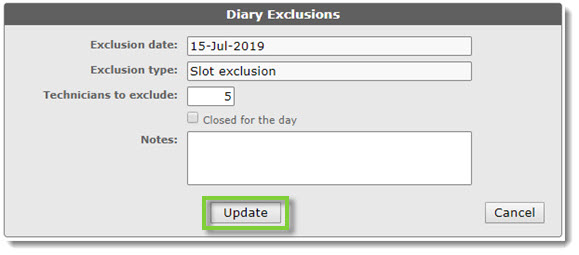
- Update the fields as needed and click Update.
- Click Diary from the Workshop menu option.

- Use the navigation arrows at the top to navigate to the desired week.
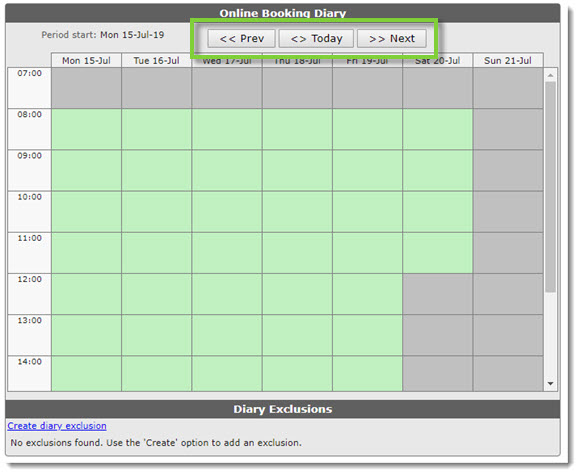
- Existing exclusions will appear below the diary. Click the Delete icon on the appropriate exclusion.

- On the confirmation dialog box, click OK to delete. (Click Cancel to disregard the deletion.)

- A success message will appear at the top.

- A success message will appear at the top.